My Store
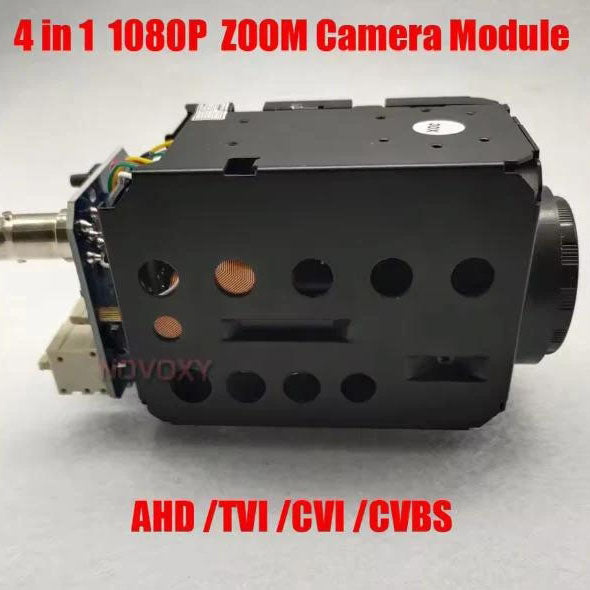
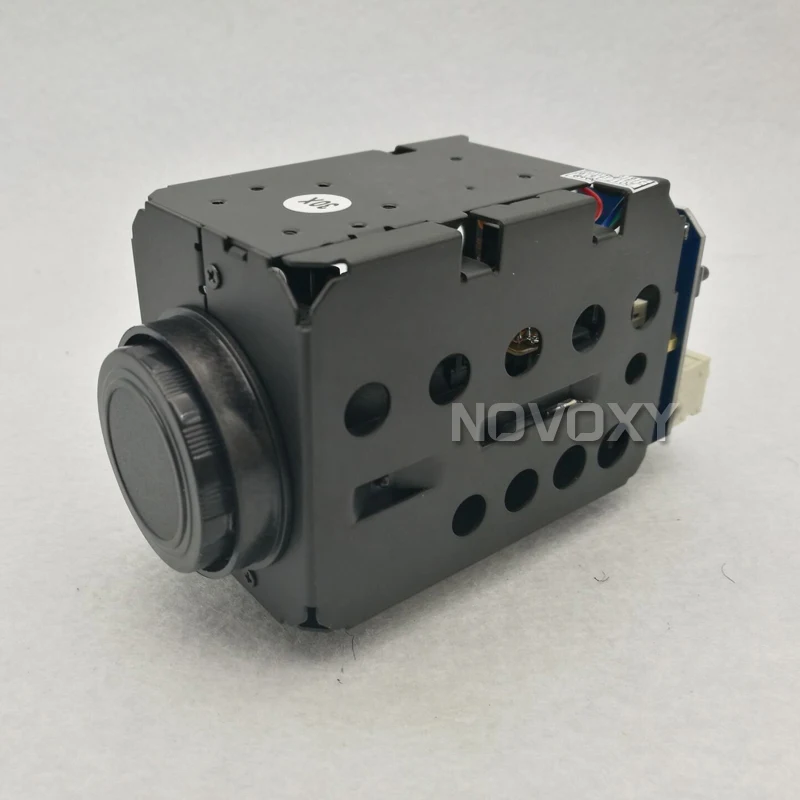
NOVOXY IMX323 2MP 1080P AHD TVI CVI CVBS 4 in 1 Zoom Camera 30x 20X Optical 4.7-94mm Varifocal Lens IR CUT HLC CCTV
NOVOXY IMX323 2MP 1080P AHD TVI CVI CVBS 4 in 1 Zoom Camera 30x 20X Optical 4.7-94mm Varifocal Lens IR CUT HLC CCTV
Couldn't load pickup availability
2MP AHD 30x Optical Auto Focus Digital CCTV Security PTZ Speed Dome Camera Zoom Module Lens
Note:
1. The camera is AHD TVI CVI CVBS 4 IN 1 . You choose the correct signal output according to your HD DVR. Otherwise no image will be displayed . The CVBS signal output can work with any DVR
2, The CVBS signal output can work with any DVR , If you do know what 's DVR in you hand, you 'd better to choose CVBS signal output.
3. You can switch different signal output and PAL/NTSC system when the image was displayed
Parameter:
|
Model No . |
SK-ART7200C |
|
|
Signal model |
PAL/NTSC |
|
|
Image sensor |
1/3" CMOS |
|
|
Effective pixel |
1920(H) x 1080(V)(AHD/CVI/TVI) ; 960X576(CVBS) |
|
|
Horizontal resolution |
AHD/TVI/CVI: 1080P. CVBS :960H |
|
|
Minimum illumination |
Color: 0.01Lux, B/W: 0.001Lux |
|
|
Sync system |
Internal sync |
|
|
Focus length |
4.7~94.0mm |
|
|
Optical focus |
20X Display 30x zoome |
|
|
Focus |
Auto/manual/AUTO ZOOM |
|
|
Gain Control |
Auto/Manual |
|
|
White balance |
Auto |
|
|
Iris |
Auto/Manual |
|
|
S/N radio |
>50dB(Enhanced) |
|
|
Electronic shutter |
PAL:1/25s~1/10000 s NTSC:1/30~1/100000s |
|
|
Video output |
1.0Vp-p 75 Ω |
|
|
Language |
Chinese/English |
|
|
Screen menu |
AWB , Digital noise reduction , Light suppression,Mirror |
|
|
Control |
Pelco D 2400/4800/9600 |
|
|
Gama modulus |
0.45 |
|
|
Interface mode |
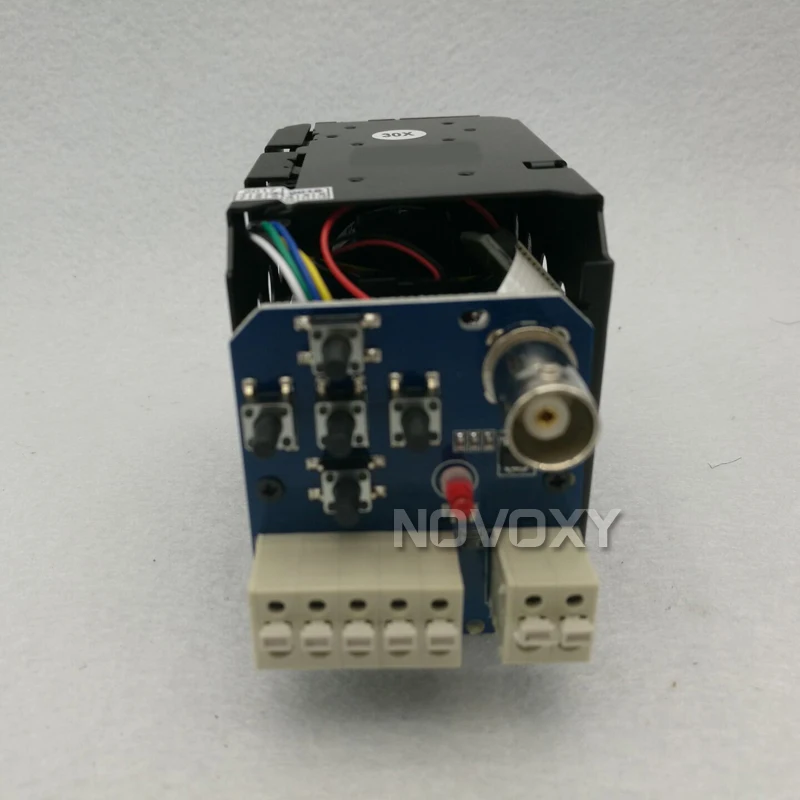
Nine -pin connector |
|
|
Power supply |
DC12V,90~120mA |
|
|
Work temperature |
-20°C~+50°C |
|
|
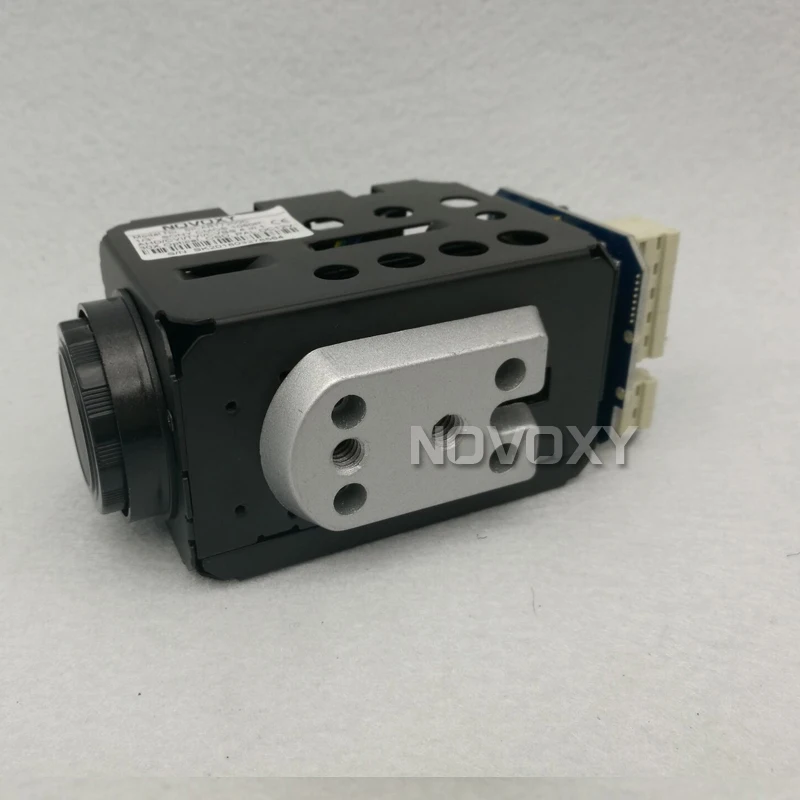
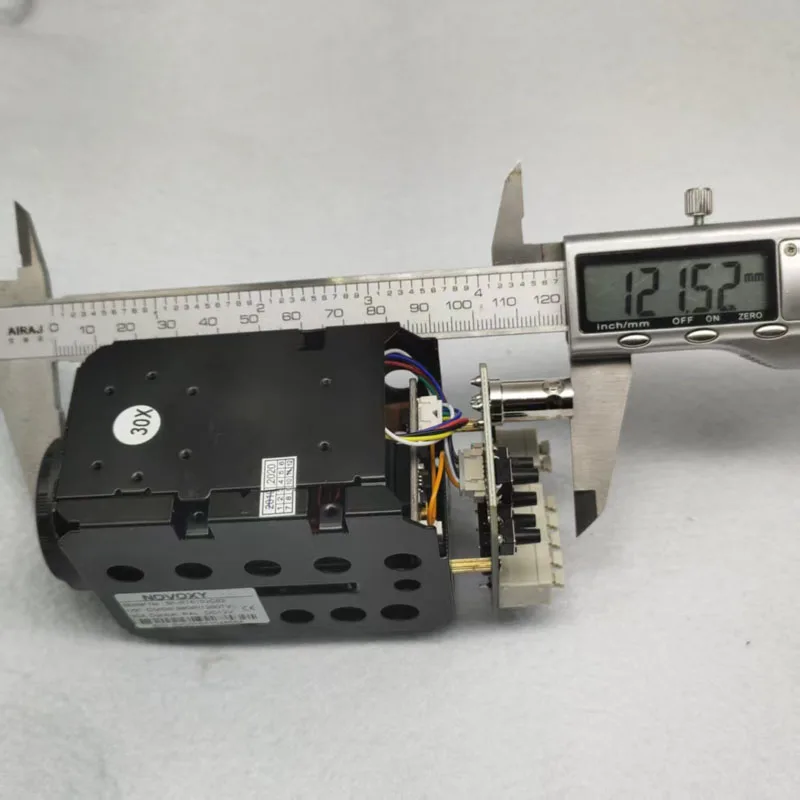
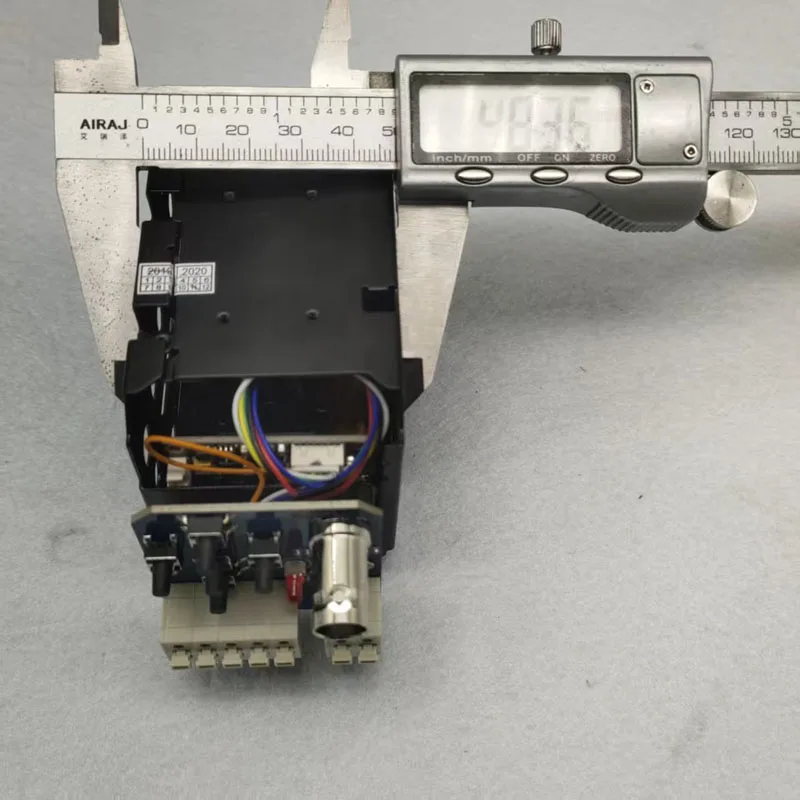
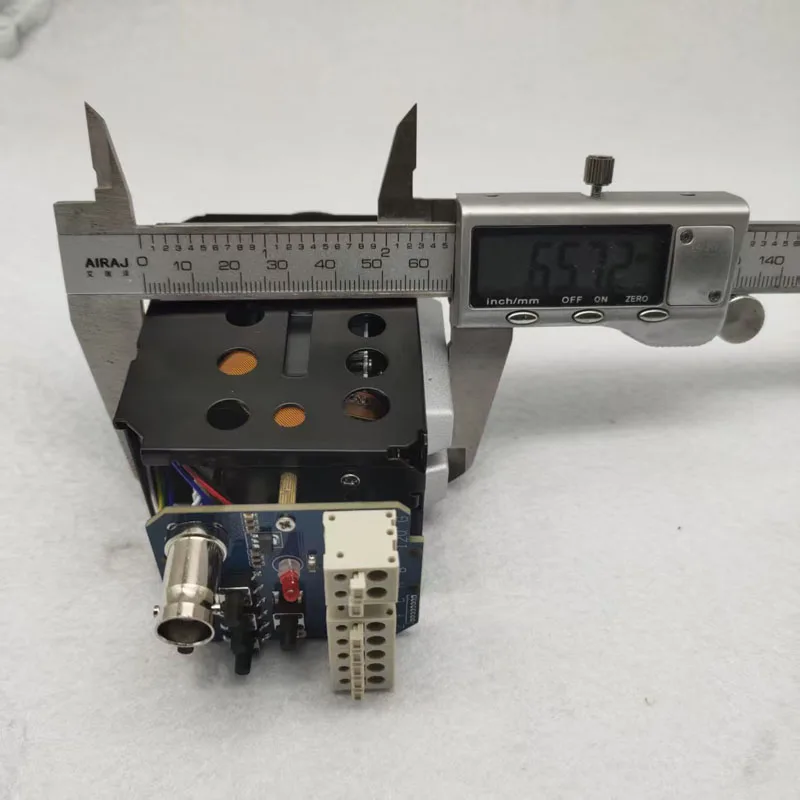
Dimension |
W60mmXH58mmXL115mm |
|
|
Weight |
400g |
|
How to switch the different signal:
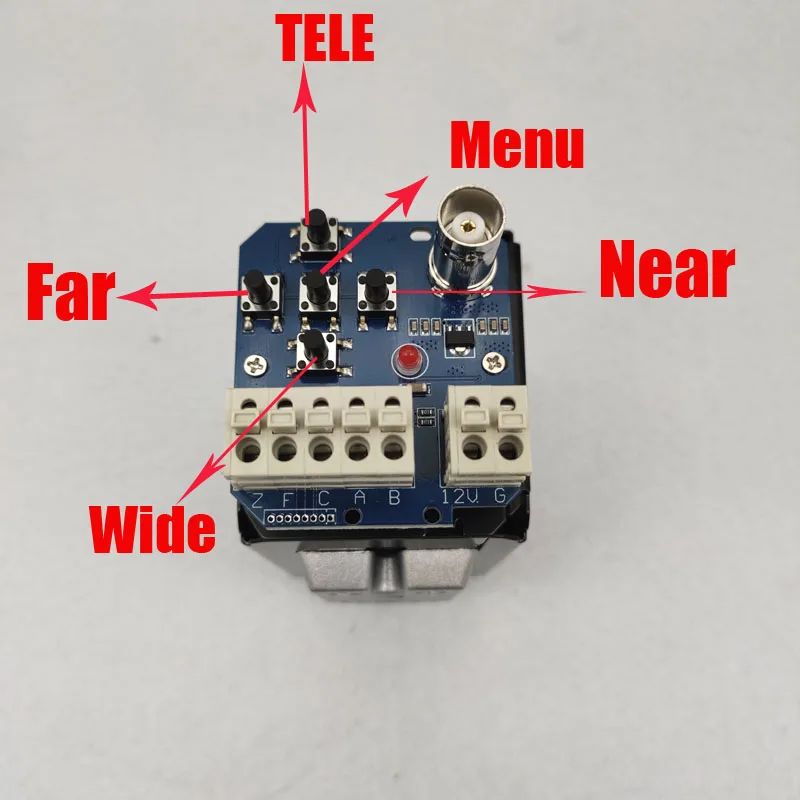
Step 1: Press "MENU" button to enter into menu and select "NEXT" as shown below,press "MENU" button enter into submenu

Step 2: select "EXPOSURE", Press right botton(NEAR) 3 times and press the "MENU"button to enter the HIDDEN menu

Step 3: Enter the HIDDEN menu, then you can press left or right botton to select different signal output , (CHD is CVI, THD is TVI)


Step 4: After select the signal output, press "MENU" botton , then select the " APPLY" and press "MENU" botton to save the setting

Step 5: Exit and save it, it will be success to siwtch different signal output